After Google’s announcement regarding Reader’s impending doom, I spent weeks trying out alternatives, including self-hosted offerings. I eventually settled on Inoreader, after seeing someone recommend it in a comment on a post about Google Reader alternatives.
This post is regarding the “integration” options you can see at the top of each post in Column View (and at the bottom of each post in Expanded View) allowing you to send articles to different external services: Pocket, Instapaper, Readability, Evernote, OneNote, and Dropbox.

You need to connect each service in Inoreader to use them: Gear icon –> Preferences –> Integration
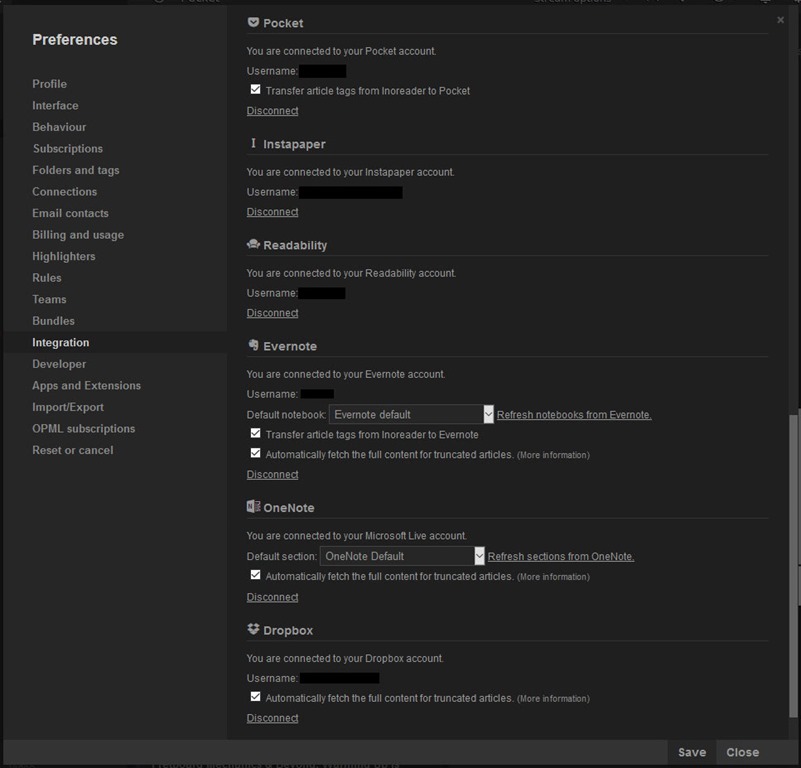
I will add several types of articles to each service and report the findings. I’m using Firefox 46.0.1 on Windows 10 Pro x64 RTM with latest updates.
Randall Munroe’s “What If?”
Firefox
The actual article in Firefox: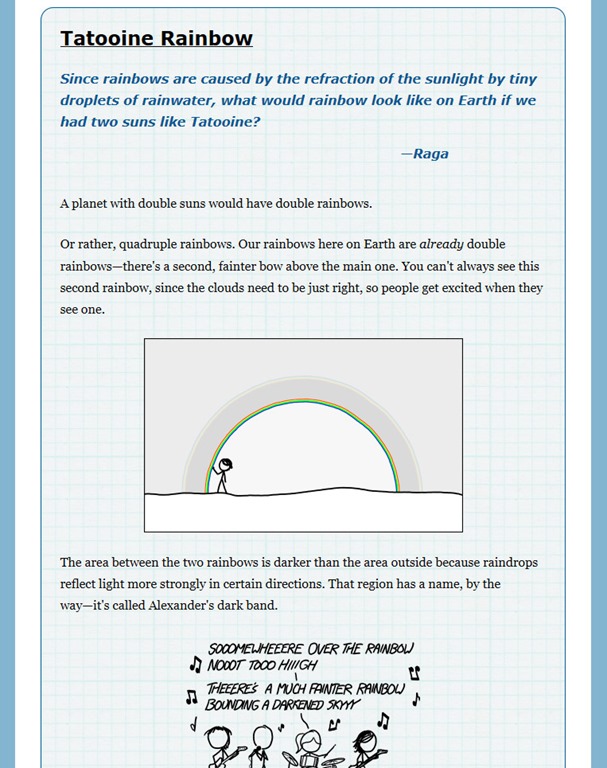
Inoreader
The article in Inoreader – using the Dark theme makes the stick figure drawings hard to see due to their transparent backgrounds. Because of this, I've switched to light themes in Instapaper and Readability.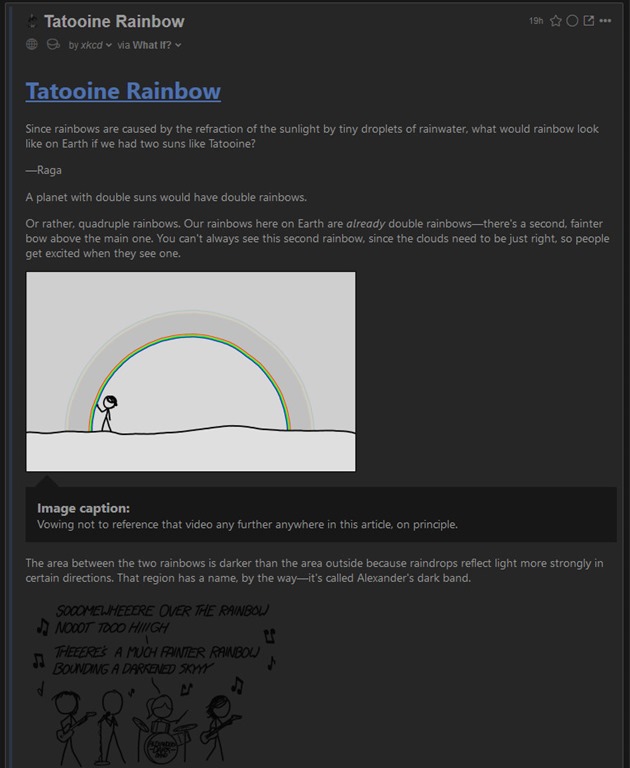
Instapaper
No surprises here: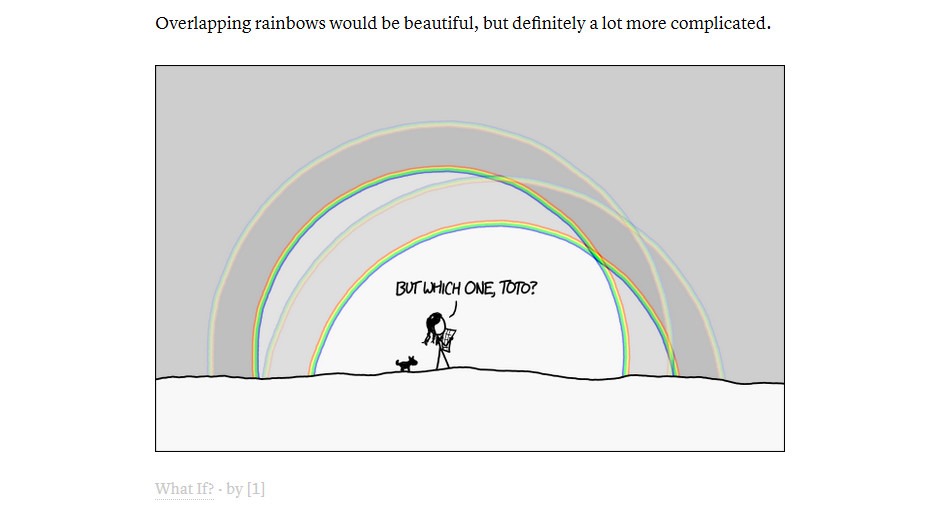
Readability
No surprises here either: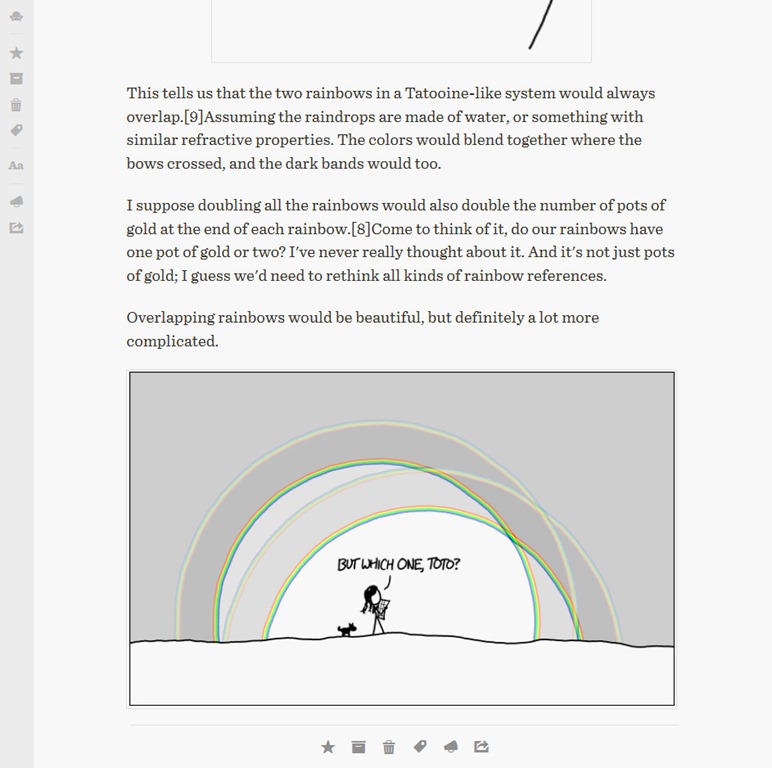
Evernote
Throws an error in Inoreader and doesn’t add anything to Evernote.OneNote
Adds an editable version of the article as a new Page in the Notebook selected in Inoreader's Integration Preferences: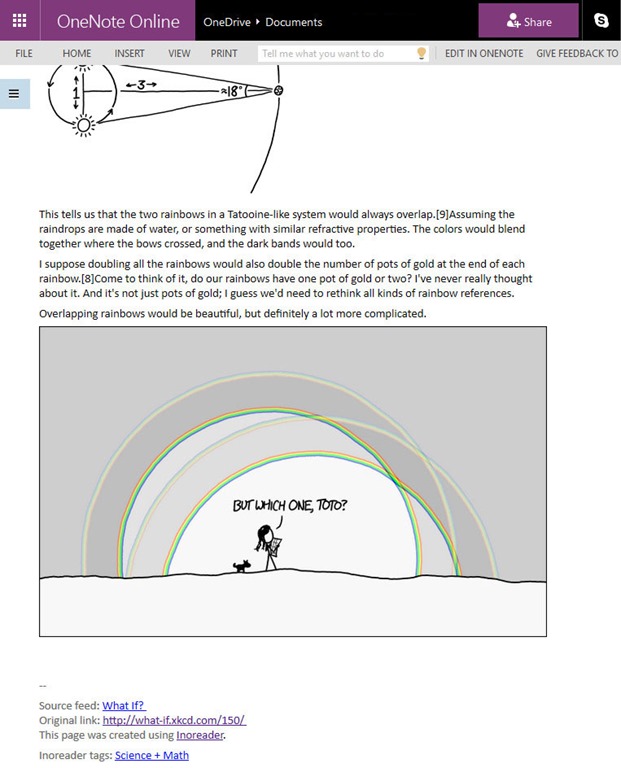
Includes some useful info in the footer of the Note:
Dropbox
Inoreader created a PDF of the article and placed it in my Dropbox: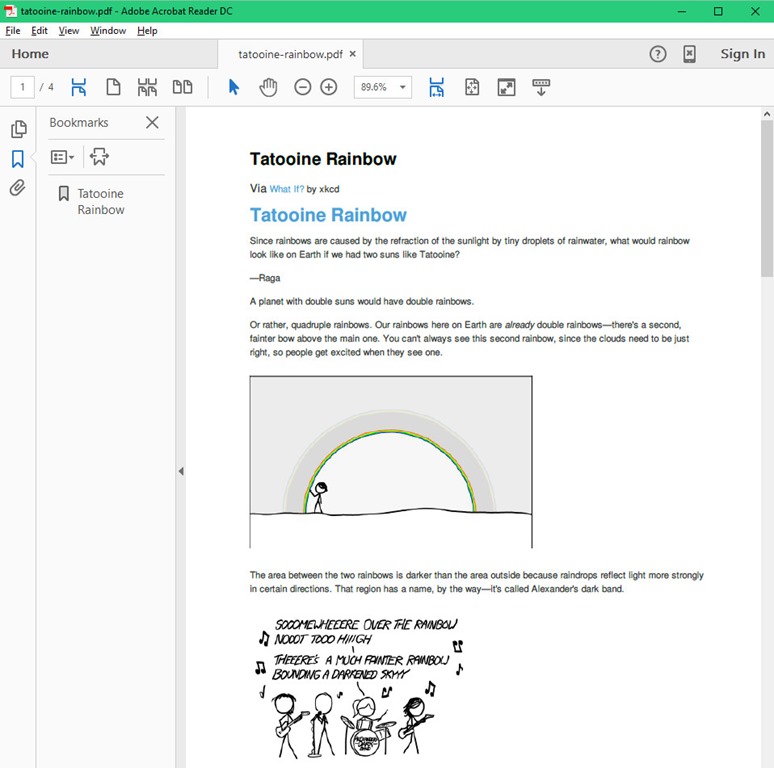
Verdict for What If?:
Read it later: Instapaper or Readability – it's basically up to the user's preference between the two since the results are very similar.Editable copy: OneNote.
Weird PDF: Dropbox.
Darryl Cunningham Investigates
Firefox
The top of the actual article in Firefox: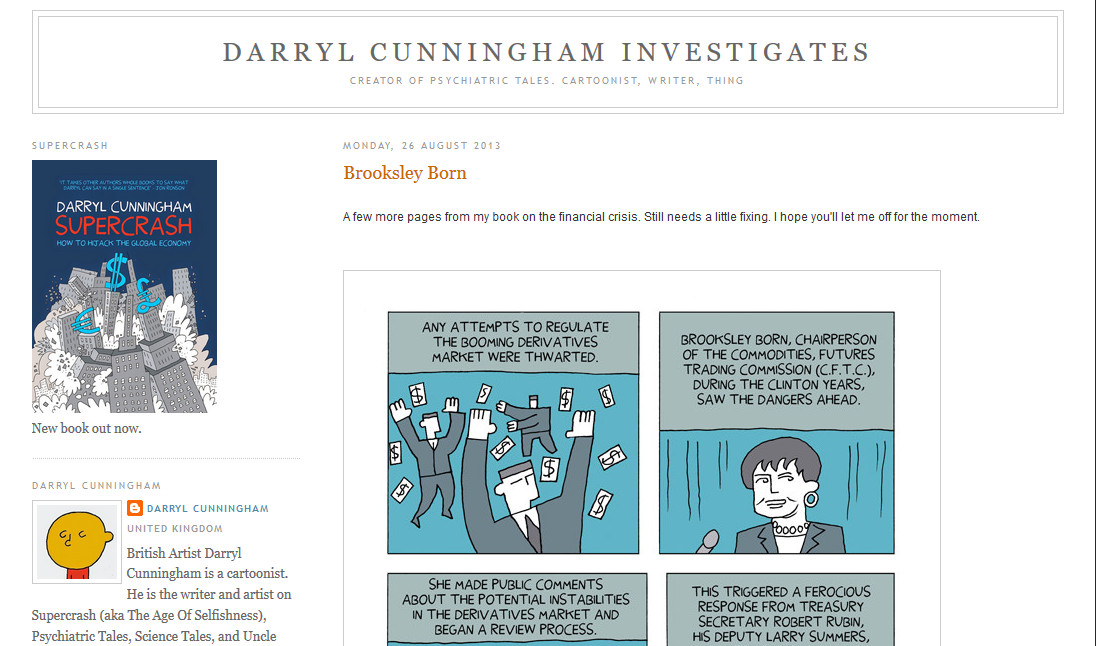
Inoreader
The top of the article in Inoreader: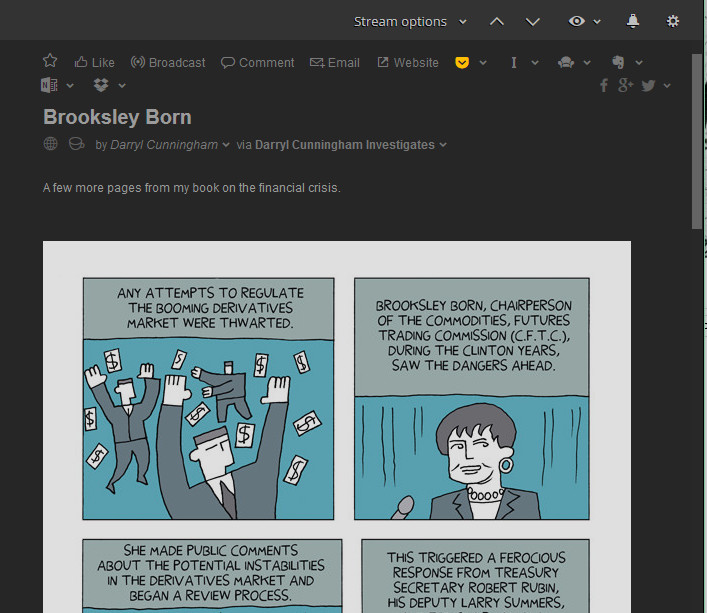
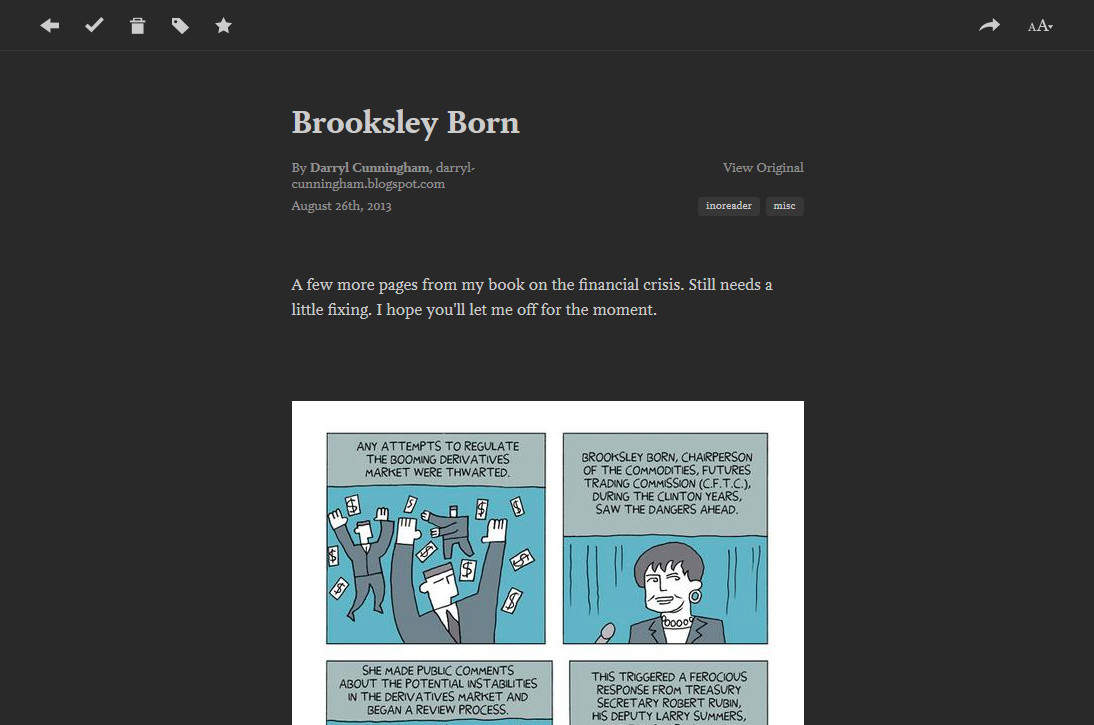
Instapaper
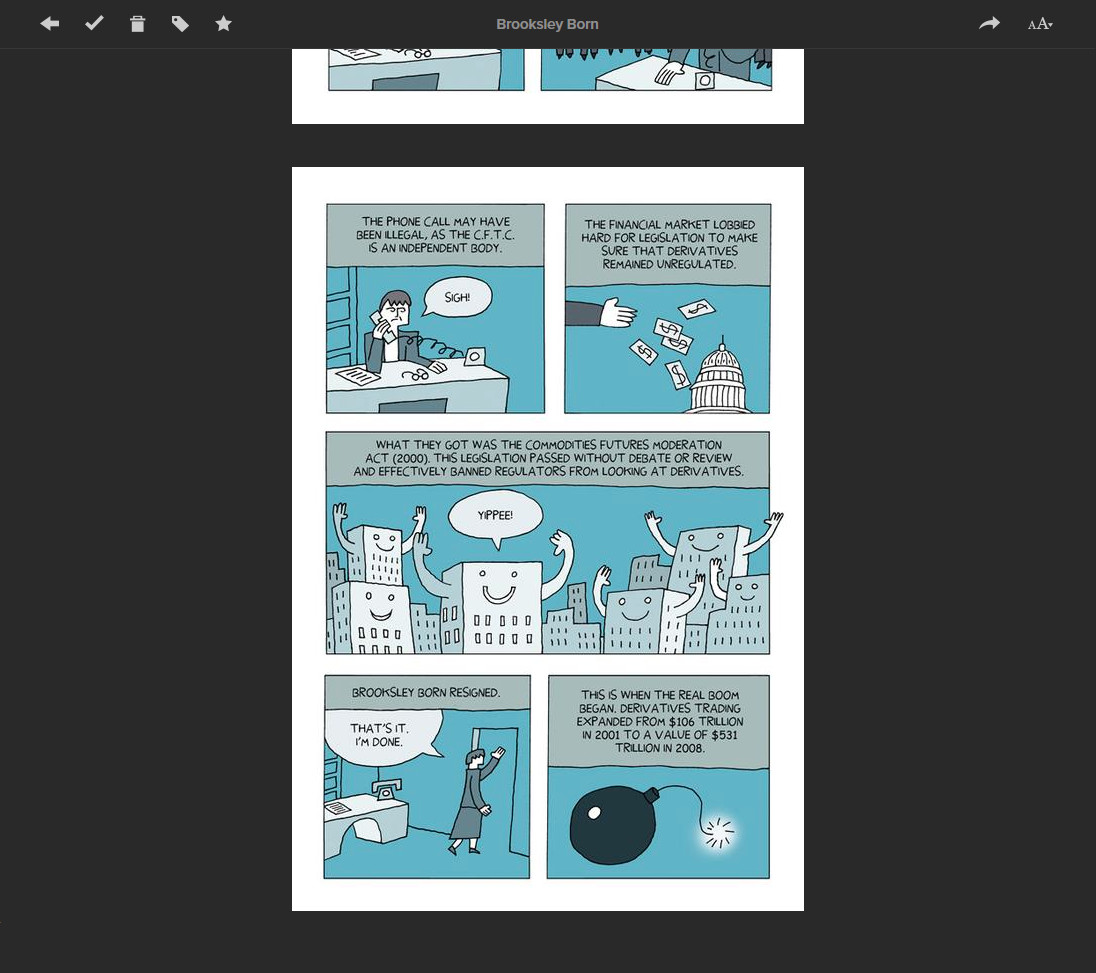
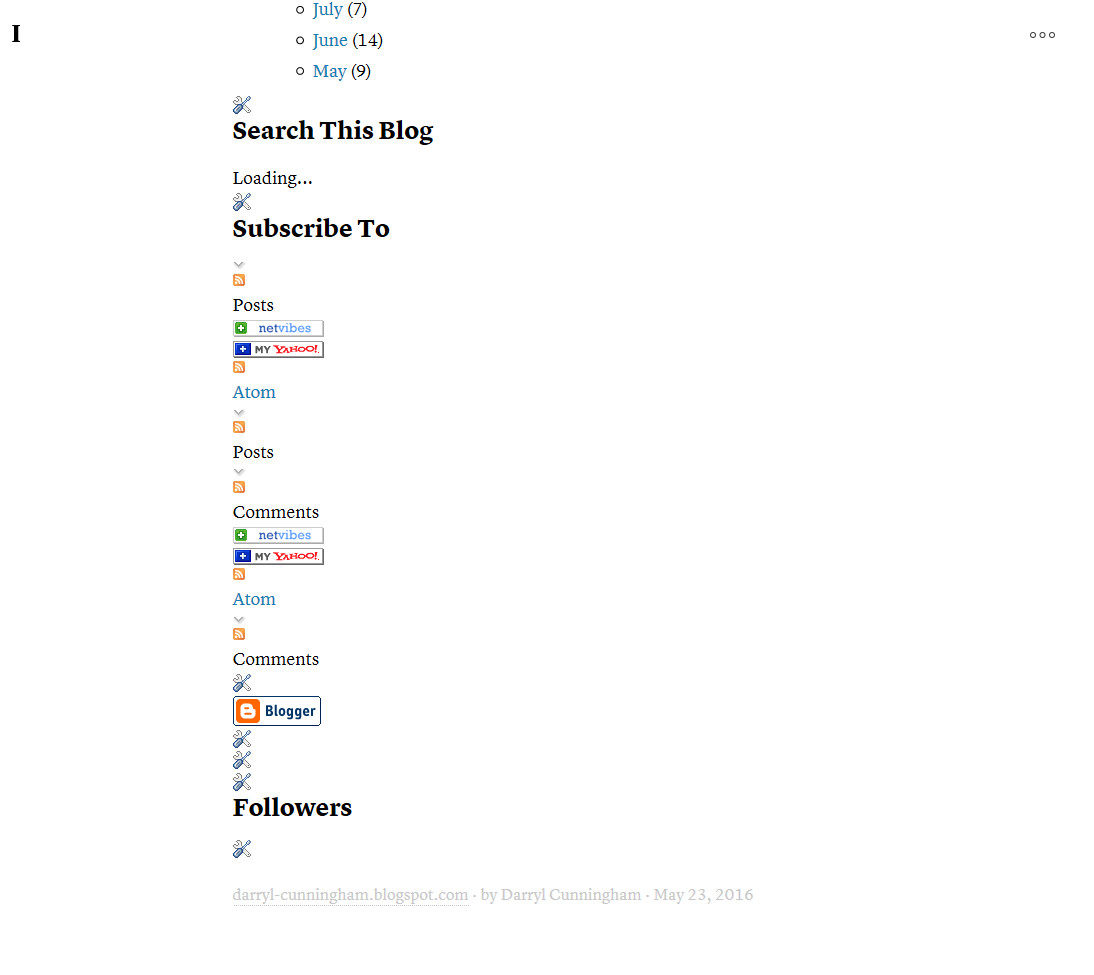
So far so good: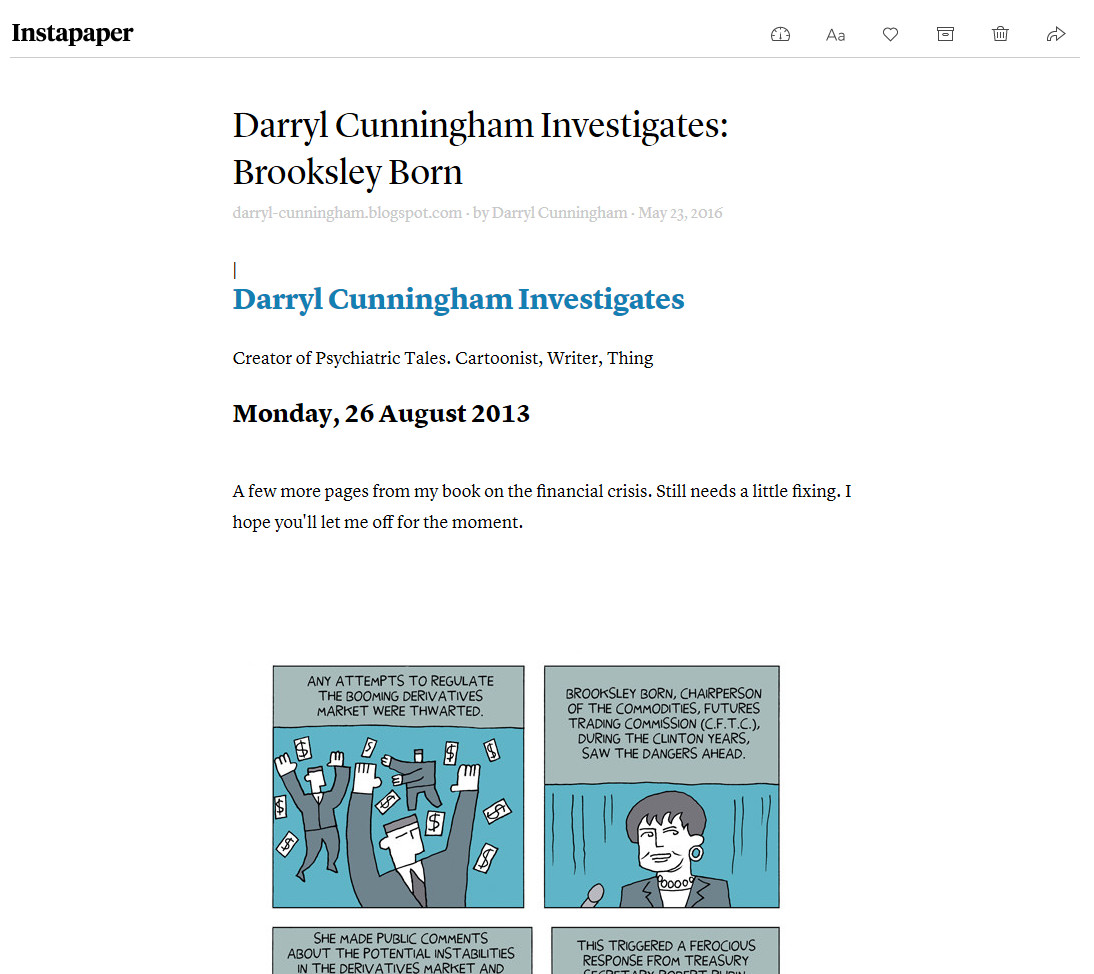 Bunch of website garbage tacked onto the bottom:
Readability
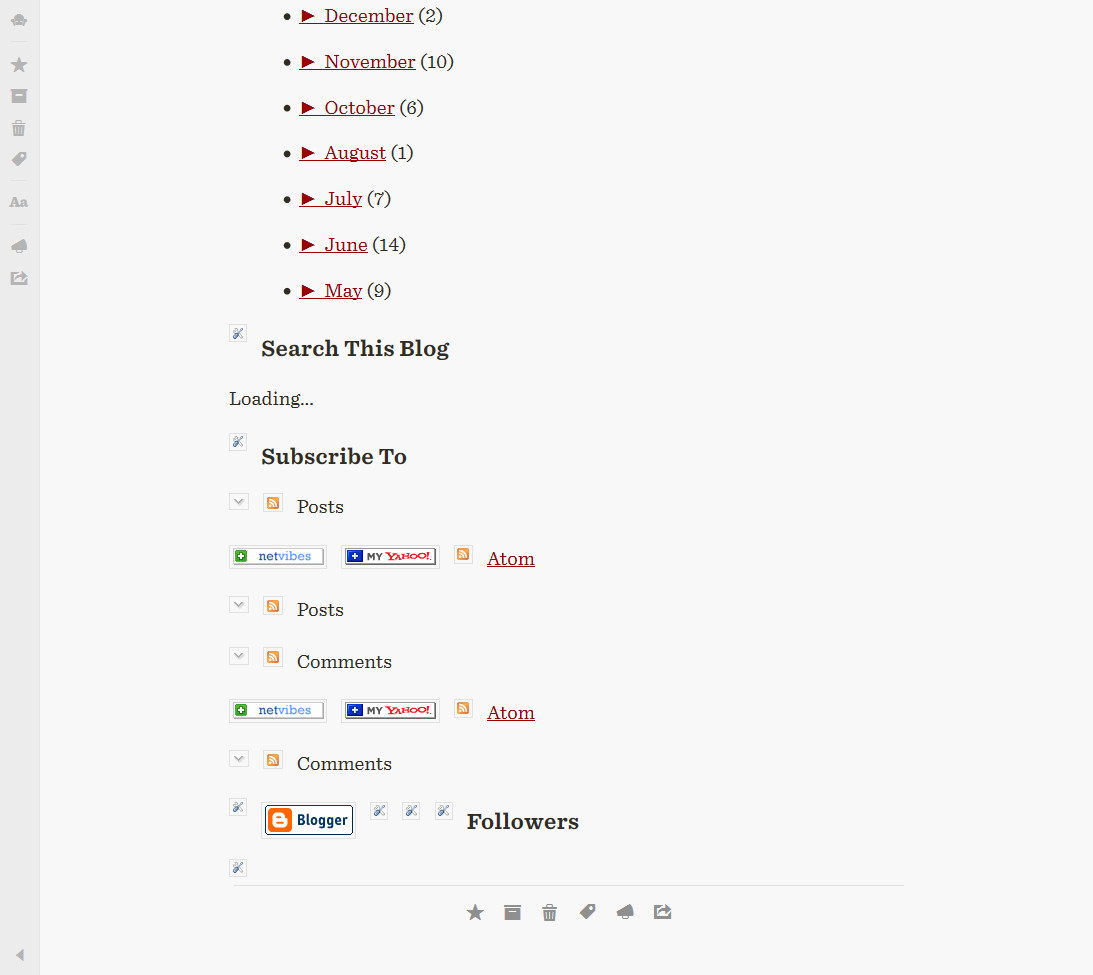
The top looks promising: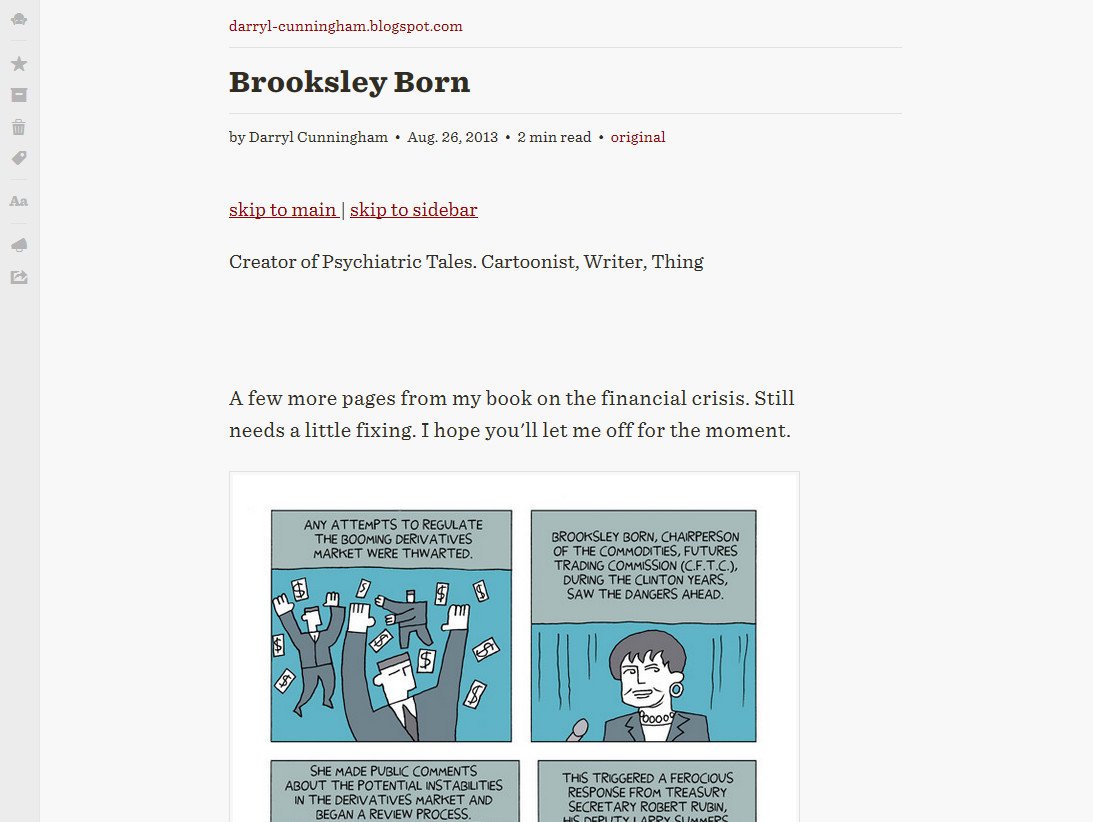 Again with the additional website artifacts at the bottom:
Evernote
Looks fine, and editable: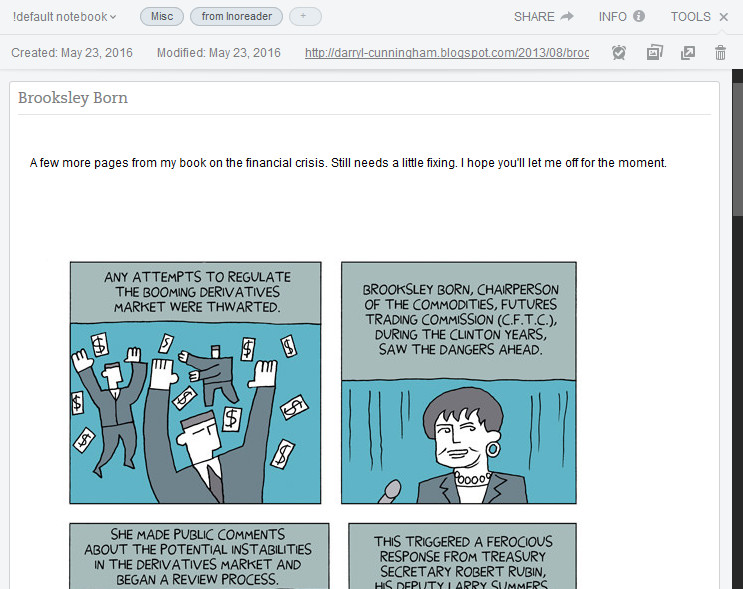
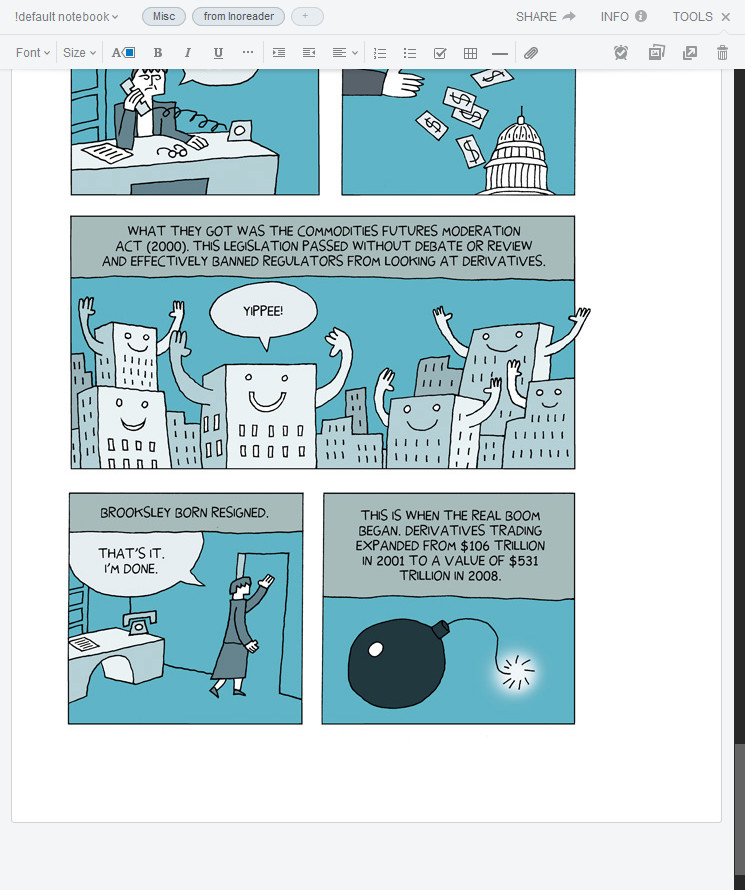
OneNote
Adds an editable version of the article as a new Page in the Notebook selected in Inoreader's Integration Preferences: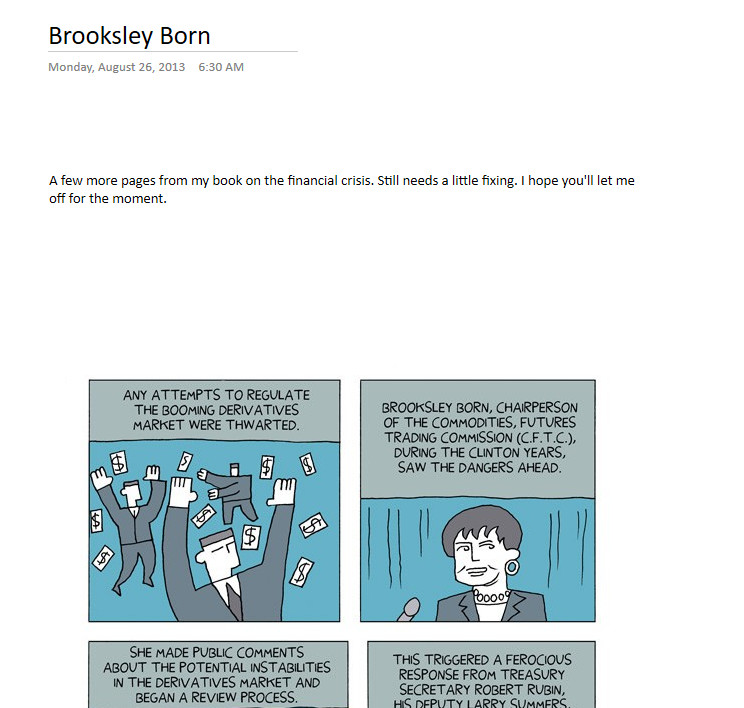
Again includes some additional info in the footer of the Note:
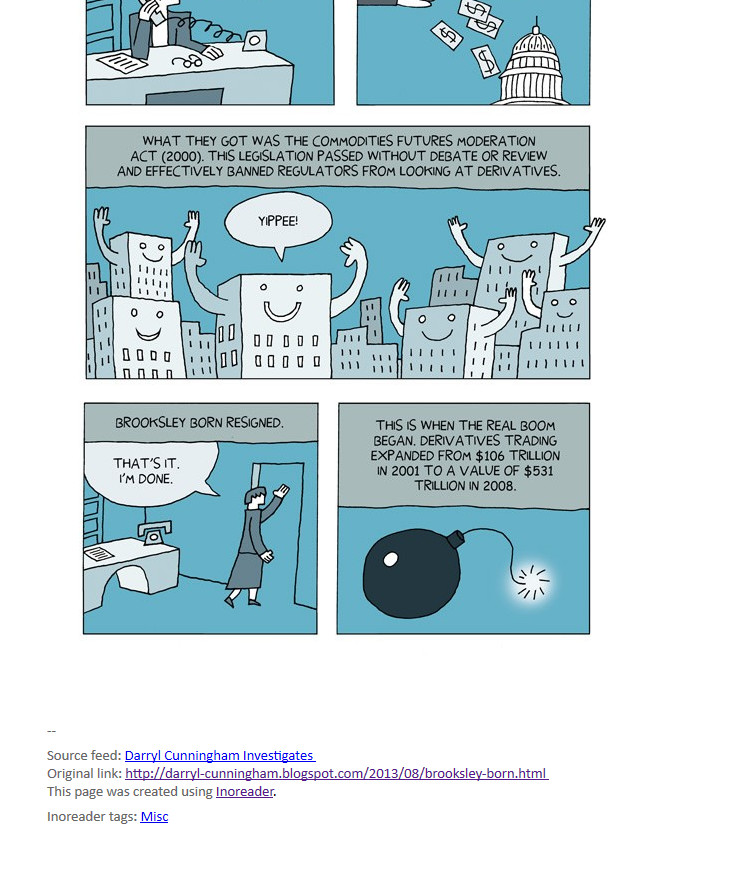
Dropbox
Creates a PDF and puts it in your Dropbox. Such whitespace! Did it put one image per page?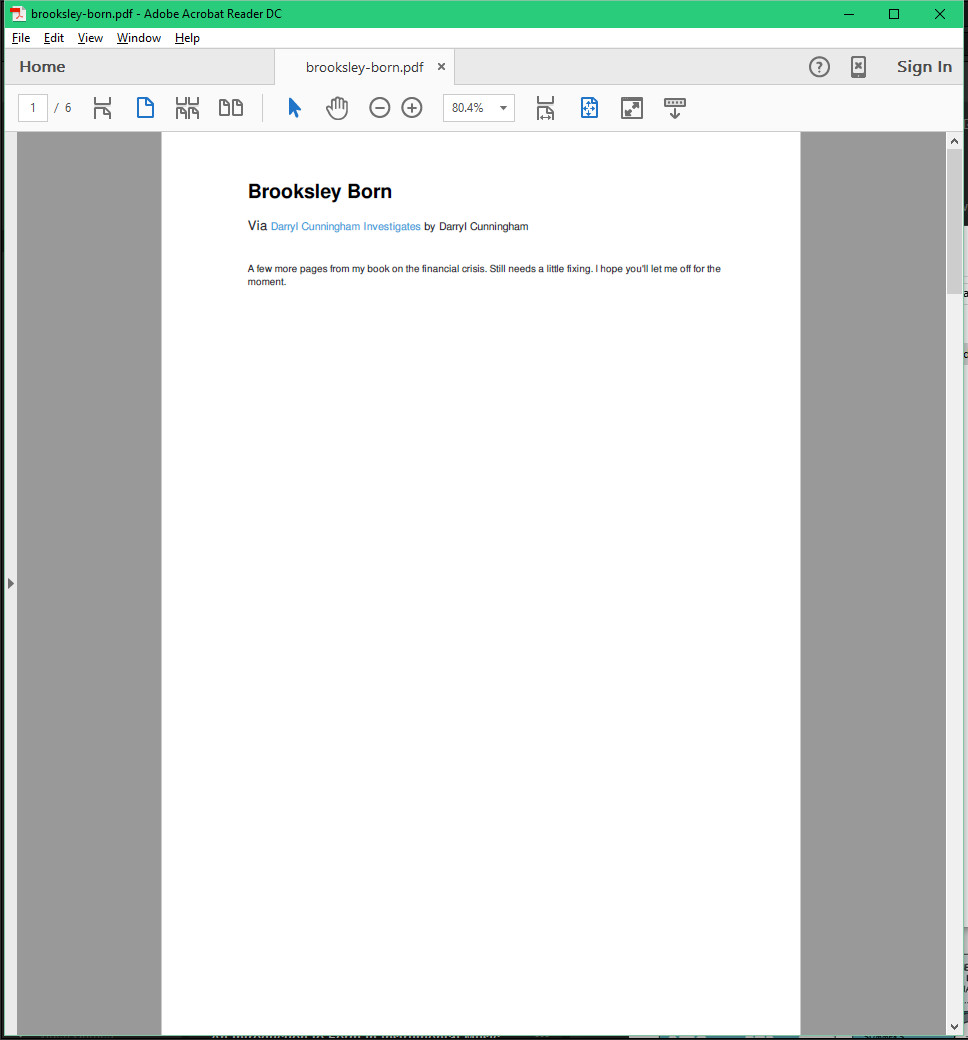 Kinda?
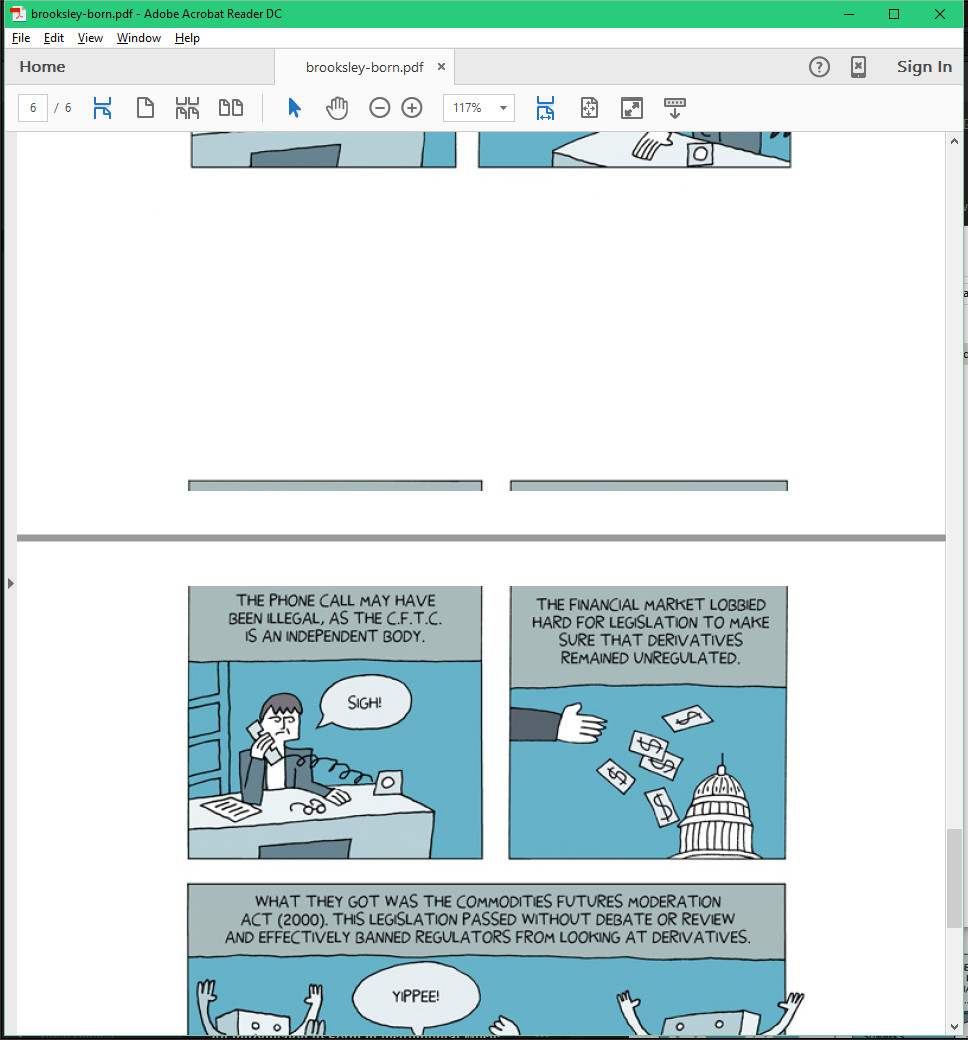
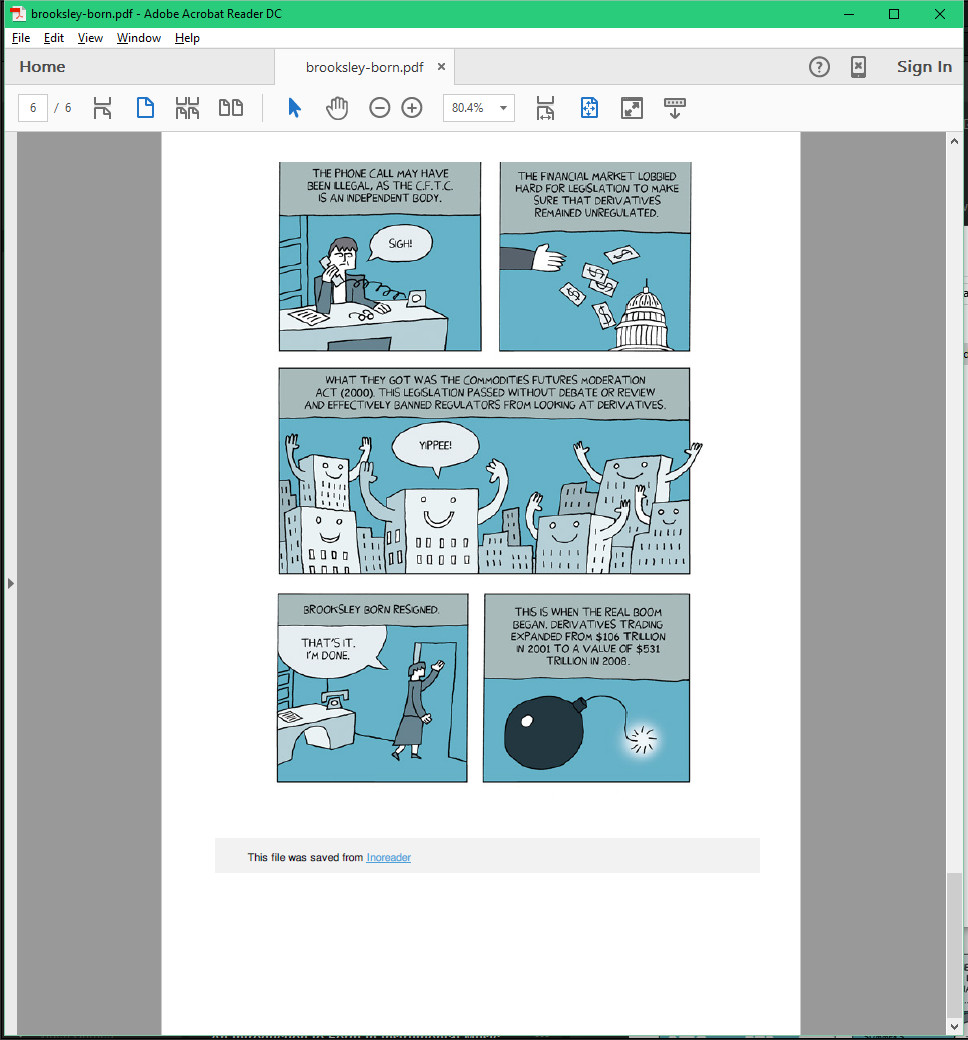
Verdict for Darryl Cunningham Investigates
Read it later: Pocket is the clear winner – both Instapaper & Readability added a bunch of website crap to the bottom.Editable copy: user preference between Evernote and OneNote – I'm leaning toward Evernote because OneNote Online is slooowwww.
Really weird PDF: Dropbox